
In this guide
In short
When your week changes, rebuild the remaining days around current commitments and capacity. Decide what must stay, what can become smaller, what should move, and what can be removed. Then check the preparation and costs affected by those decisions.
- State what changed in time, energy, resources, or commitments.
- Verify the nearest deadlines and appointments.
- Decide what to keep, simplify, move, or remove.
By the end of this tutorial, you will have a revised plan for the rest of the week and a clear first action. You do not need to recover every task from the original plan.
Begin with what has changed
Suppose it is Wednesday afternoon. A work problem has taken two extra hours, the grocery trip did not happen, and Thursday already contains a late meeting. Saturday includes a confirmed family visit.
The original plan is no longer a reliable description of available time. Moving Wednesday's entire list to Thursday would make that problem larger.
Write a brief update: "Less time Wednesday, no groceries yet, Thursday still busy, Saturday visit fixed." This becomes the basis for your decisions.
Identify commitments with consequences
Look for deadlines, booked appointments, responsibilities involving other people, and instructions that need to be followed. Confirm uncertain details instead of guessing.
Separate an actual deadline from a preferred date you assigned yourself. Cleaning a cupboard on Friday may be optional. Responding to a provider before a confirmed deadline may not be.
If a commitment needs to change, contact the relevant person or provider. Moving the entry in your own calendar does not reschedule their appointment or change an agreement.
Give each unfinished item one decision
Use four plain decisions: keep, simplify, move, or remove. If another person can help, ask and confirm the arrangement before considering the work reassigned.
| Original item | What changed | Decision | Revised plan |
|---|---|---|---|
| Wednesday grocery trip | Work ran late | Simplify | Buy only what is needed for Thursday; do the main shop Friday |
| Wednesday elaborate dinner | Ingredients unavailable | Simplify | Use a familiar meal from food already at home |
| Thursday shelf repair | Requires the missed supply trip | Move | Check materials Friday; repair Sunday if they are available |
| Friday cupboard reorganization | Lower priority than the displaced shop | Remove from this week | Reconsider at a later review |
| Friday renewal decision | Confirmed provider deadline remains | Keep | Reserve a short review slot before the deadline |
| Saturday family visit | Other people are involved | Keep | Preserve travel and preparation time |
Notice that Friday does not gain every unfinished task. Something leaves the plan to make room for the grocery trip.
Follow the dependencies
Moving a final activity is only part of replanning. Check what supports it.
If the meal changes, review ingredients that were bought for it. If a repair moves, check the part order and anyone helping. If an appointment moves, check travel, time off, and preparation instructions. If a paid activity is canceled, verify any applicable charges or refund process.
Use this prompt: "Because I changed this, what else now needs a decision?"
For the shelf repair, the actual chain is: confirm the required materials, obtain them, then repair the shelf. Scheduling Sunday repairs without checking Friday's materials simply carries the same blocker forward.
Build a smaller plan for the remaining days
Start with fixed commitments, then add essential supporting work. Fit one or two meaningful flexible actions where they are realistic. Leave a gap for delays.
The revised fictional week could look like this:
| Day | Main commitments | Flexible work | Space preserved |
|---|---|---|---|
| Thursday | Work and late meeting | Small essential shop if needed | Simple dinner and no repair project |
| Friday | Work and renewal decision | Main groceries; check repair materials | Evening kept light |
| Saturday | Family visit and travel | None required | Time around the visit |
| Sunday | Weekly review | Shelf repair if ready | Room to stop or postpone |
This revised plan is successful if it reflects your actual resources. Its job is to guide the remaining week, not make the earlier disruption disappear.
Use the revised plan in Planique
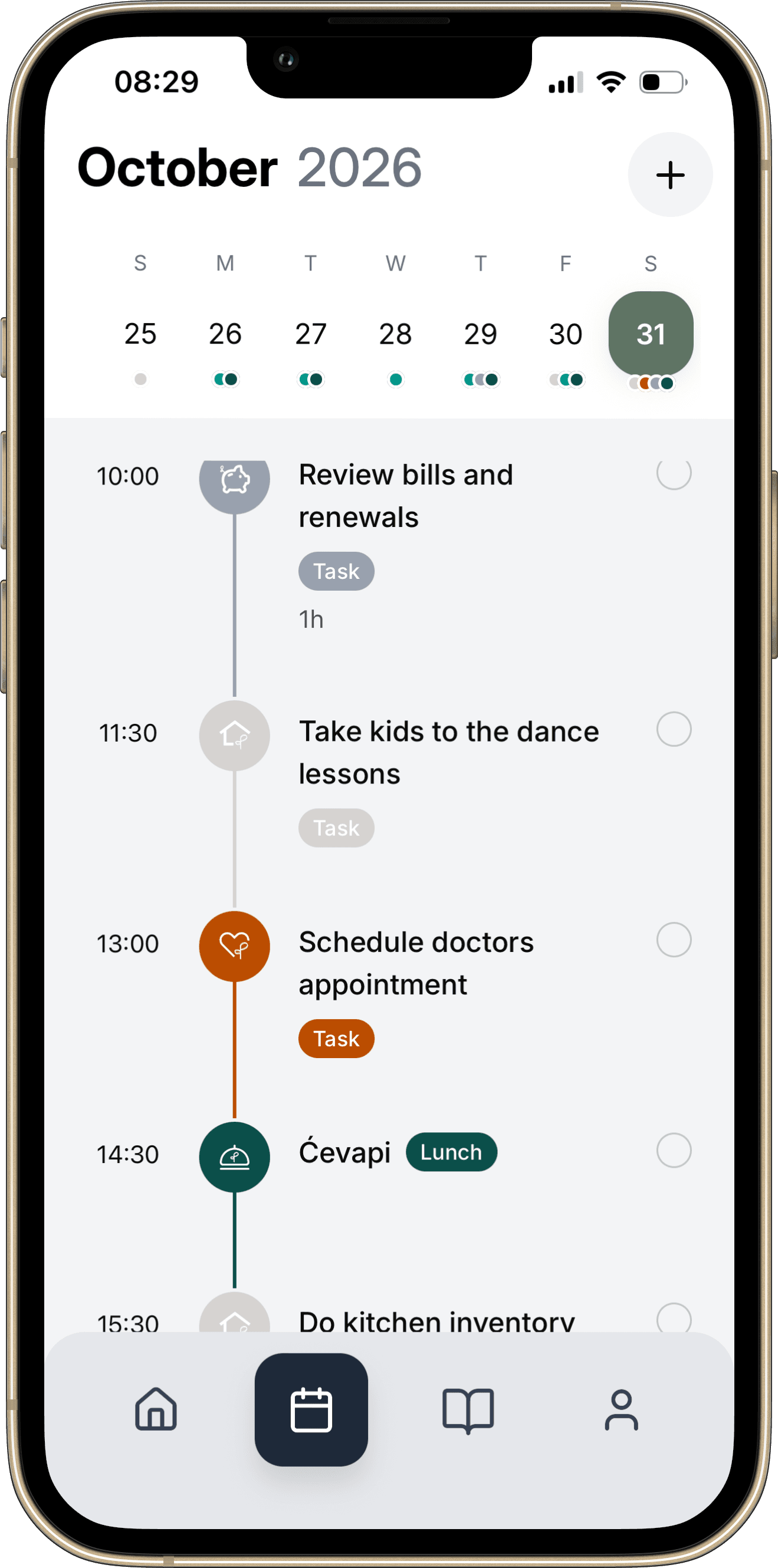
Review the affected dates in Calendar and open the underlying items to adjust them. For recurring items, read the edit options carefully so a one-off change does not unintentionally alter future occurrences.
Update meal notes, household preparation tasks, or relevant financial records when the change affects them. Check the resulting day rather than assuming that editing one item resolved every conflict.
Your replanning checklist
- State what changed in time, energy, resources, or commitments.
- Verify the nearest deadlines and appointments.
- Decide what to keep, simplify, move, or remove.
- Confirm changes with other people where necessary.
- Check dependencies, ingredients, travel, and costs.
- Remove enough work to create real capacity.
- Update the underlying records and calendar.
- Choose the next small action.
Common questions
What if everything seems urgent?
Write down the consequence of delaying each item and the actual deadline. Where obligations conflict, communicate early and ask about alternatives. Urgency becomes easier to assess when the consequence is explicit.
Should I catch up over the weekend?
Check what the weekend already contains and what capacity remains. Carrying work forward is a choice that needs space, not an automatic rule.
What if the same task keeps moving?
Check its scope, prerequisites, and importance. Make its next action smaller, resolve the blocker, or remove it if it no longer serves a useful purpose.
Continue with How to Do a Weekly Review to improve the next plan using what this week taught you.
Make it your own
Replanning worksheet worksheet
Use the blank worksheet to plan your own example. Print it or save it as a PDF from your browser. It is a planning document and does not import records into the app.
Open printable worksheetKeep the details with the plan.
Explore how Calendar fits into Planique Planner's connected approach to everyday planning. Planique is in early access.